#MAKERSPACE AFICIONADO & ADVOCATE
  • Home
  • MakerEd is
  • the journey
  • Services
  • Presentations
    • Maker Centered Learning
    • MakerSpaces not just a room
    • Low Cost Low Tech Maker Materials
    • MakerMarketSchool
    • microbit
    • ScreenCasting >
      • what is it
      • examples
      • why do this
      • how to make them available
      • recording tools
      • microphones
      • web hosting
      • iPad options
      • tips
      • resources
    • Student Voices For Assessment >
      • Why
      • StudentVoicesExamples
      • Tools to Create
      • TurningInTheWork
      • TechnicalIssues
      • OtherIdeas
      • YourTurn
    • Tweet Yourself Right
    • Educational Vision of Calvin & Hobbes
    • Wearables
  • me
    • Resume
    • playtime
  • Maker Resources
  • Maker Van
  • Coding&Robotics
    • MakeCode
    • microbit
    • Makerbit
    • bitbooster
    • CRICKIT
    • kittenbot
    • CircuitPlaygroundExpress
    • Edison
    • FiriaLabs
    • VEX
  • CardboardConnectors
  • resonance
    • books
    • videos
    • education & science issues

makecode

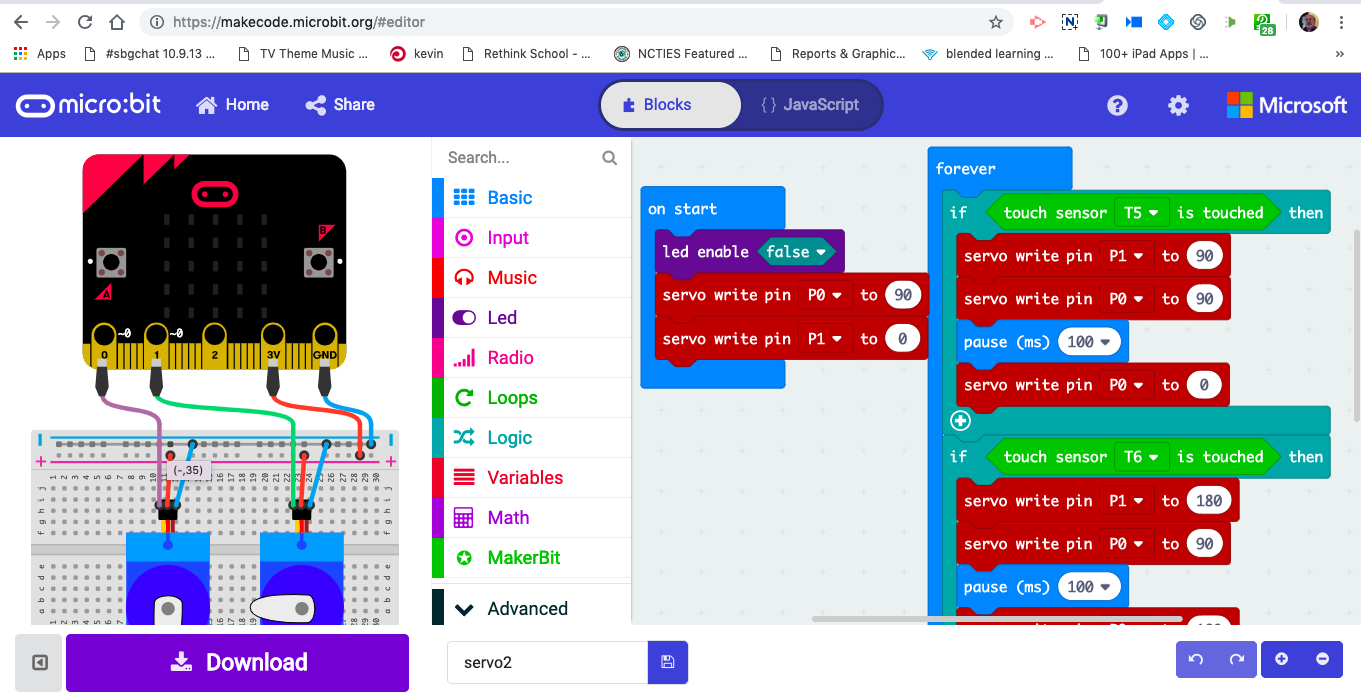
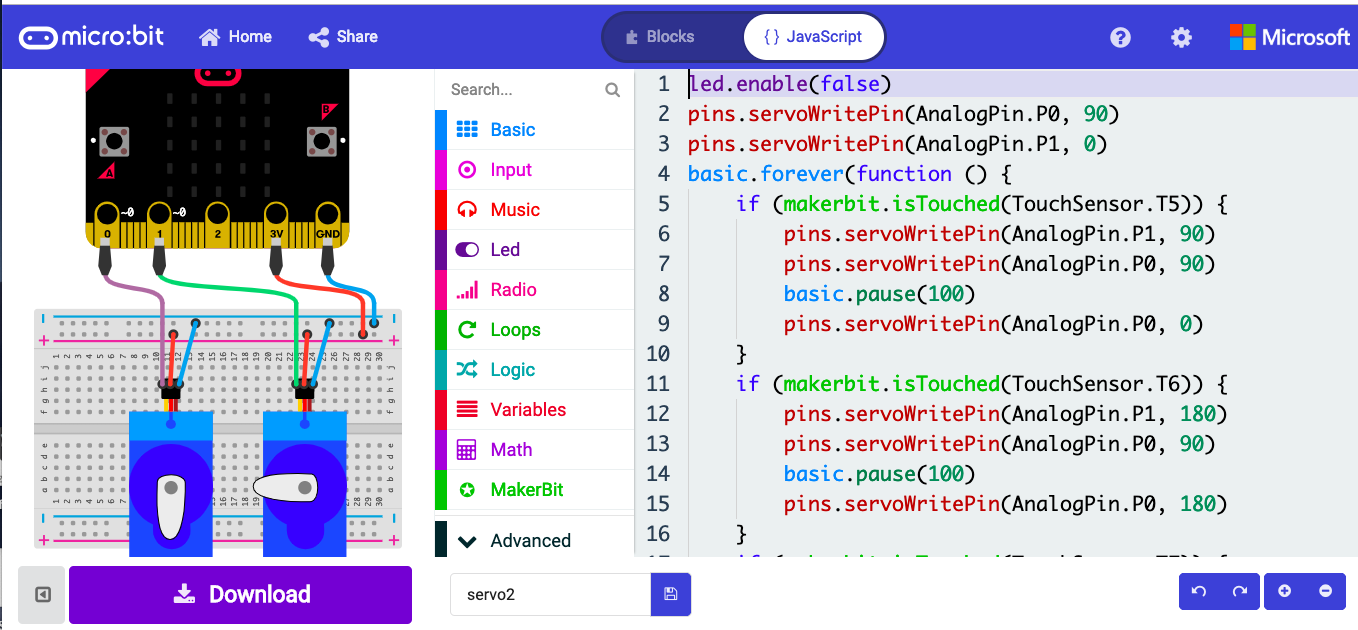
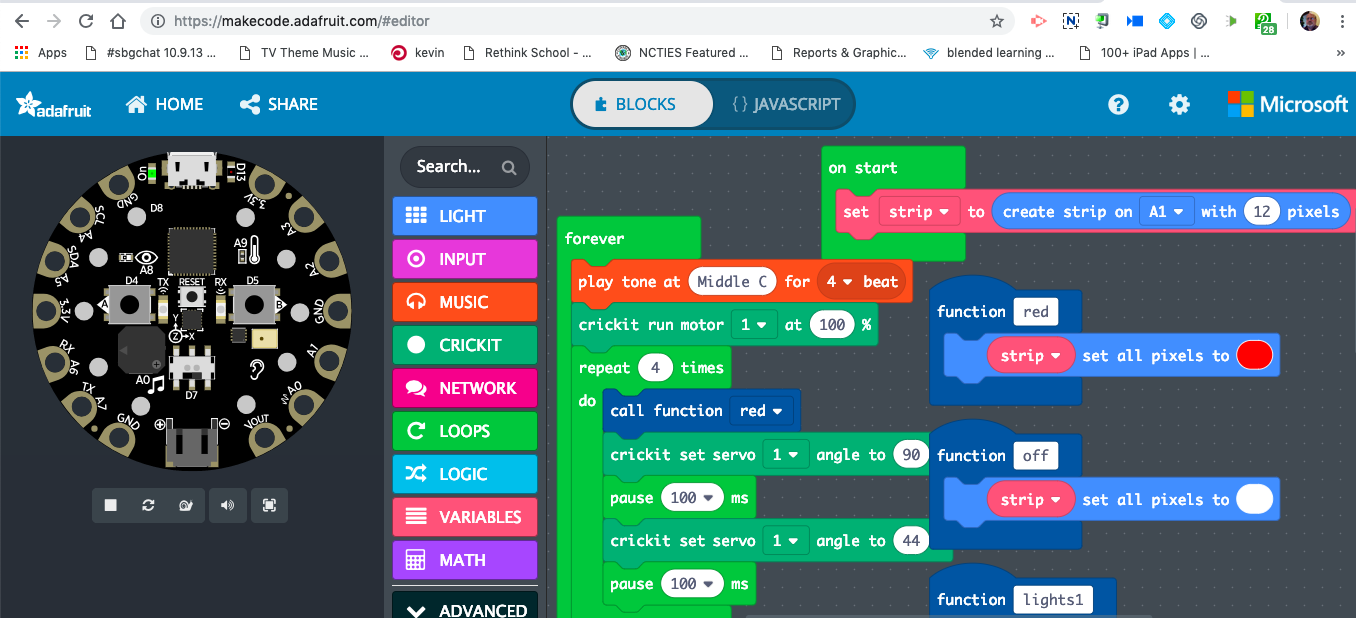
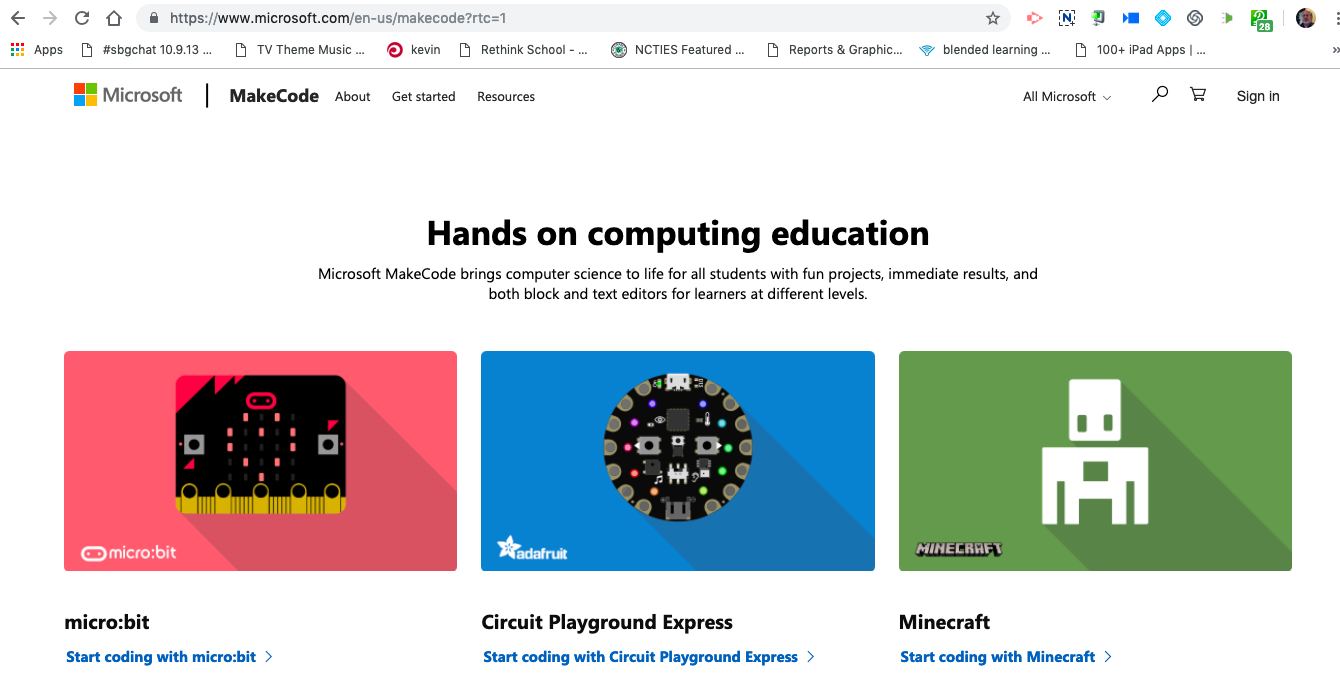
Makecode has opened things up for schools. Besides being blocks (scratch is blocks also), you don't need to download any software. It can work on a Chromebook, laptop, desktop, or tablet. It can be used to program many devices/boards. You can click a tab and see the code in java script version. It is meant for boards that do physical computing. I wish they had a version that shows the blocks and python or blocks and arduino. It is easy to download a file, drag & drop the .hex code onto a device. I wish there was a way to save programs to be editable on a different computer or the same one (if you clear the cache they go away). Maybe a way to upload programs (the .hex file) so you can start from there. It is possible to "share" you programs on the web, so they each actually have a URL. But you need to paste that URL somewhere.... and I go through like 20 iterations playing with an idea. They have an emulator so you can see how your program will run on the actual device, with mockups of external devices such as servos and neipixel strips.
Home page for it is :  
https://www.microsoft.com/en-us/makecode .     
the microbit editor is  :  
https://makecode.microbit.org/  
the Circuit Playground Express editor is  :  
https://makecode.adafruit.com/   
Picture
Picture
Picture
Picture
Powered by Create your own unique website with customizable templates.
  • Home
  • MakerEd is
  • the journey
  • Services
  • Presentations
    • Maker Centered Learning
    • MakerSpaces not just a room
    • Low Cost Low Tech Maker Materials
    • MakerMarketSchool
    • microbit
    • ScreenCasting >
      • what is it
      • examples
      • why do this
      • how to make them available
      • recording tools
      • microphones
      • web hosting
      • iPad options
      • tips
      • resources
    • Student Voices For Assessment >
      • Why
      • StudentVoicesExamples
      • Tools to Create
      • TurningInTheWork
      • TechnicalIssues
      • OtherIdeas
      • YourTurn
    • Tweet Yourself Right
    • Educational Vision of Calvin & Hobbes
    • Wearables
  • me
    • Resume
    • playtime
  • Maker Resources
  • Maker Van
  • Coding&Robotics
    • MakeCode
    • microbit
    • Makerbit
    • bitbooster
    • CRICKIT
    • kittenbot
    • CircuitPlaygroundExpress
    • Edison
    • FiriaLabs
    • VEX
  • CardboardConnectors
  • resonance
    • books
    • videos
    • education & science issues